

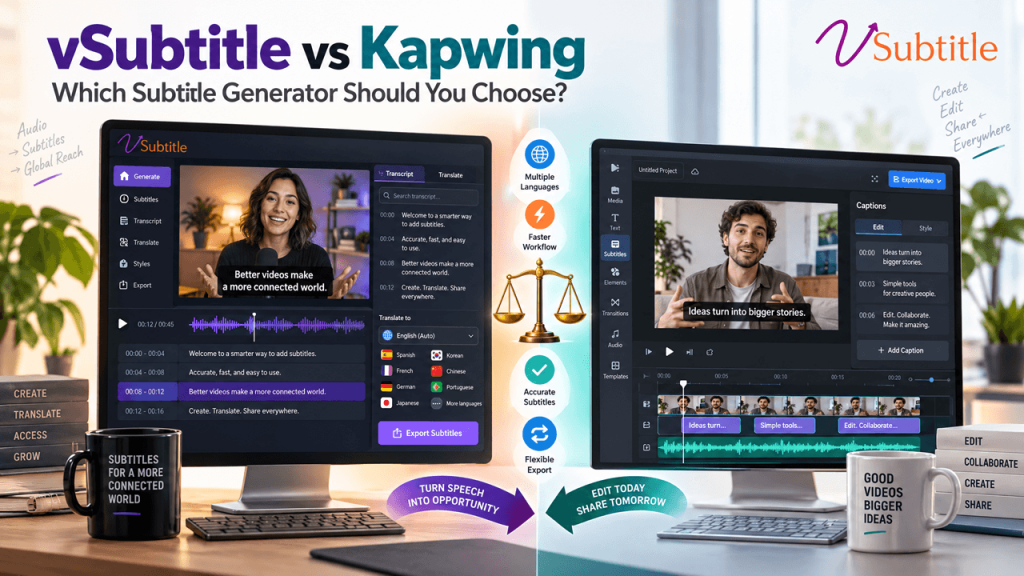
vSubtitle vs Kapwing: Which Subtitle Generator Should You Choose?
Kapwing is one of the best-known names in online video creation, especially among social media teams who love its trendy caption styles. vSubtitle is a newer, more focused option: an AI subtitling and captioning platform built around producing accurate, editable, multilingual subtitles. Both can turn a video into subtitles in minutes, but they are built for different kinds of work. In this comparison of vSubtitle vs Kapwing, we look at accuracy, languages, styling, exports, pricing models and workflow. We explain where each tool is strongest, including where Kapwing has the edge, and give you a simple method to test both on your own videos before you decide. Information about Kapwing in this article comes from Kapwing’s public website at the time of writing. Features, limits and prices change often, so please confirm current details on Kapwing’s own pages before you decide. Key Takeaways Quick Comparison: vSubtitle vs Kapwing at a Glance Question Kapwing vSubtitle What is it? A browser-based video editor with a subtitler and many AI tools An AI subtitling and captioning platform built for subtitle workflows Best for Creators and social teams who want to edit, caption and style in one place Creators, teams and agencies who want a focused, repeatable subtitle workflow Advertised accuracy 99% (Kapwing’s claim) Up to 97.8% (vSubtitle’s claim) Translation Subtitles into 100+ languages; separate AI dubbing in 40+ languages 100+ languages for transcription and translation Subtitle exports SRT, VTT, TXT, or video with hardcoded subtitles SRT, VTT, JSON, or captions embedded into video Styling 100+ presets, animation, brand kit, custom fonts Customizable styling within a subtitle-focused editor Pricing model Free to try with limited minutes and watermarked free exports; paid plans extend minutes Output-minute billing; first 30 minutes free for new users Standout strength Creative caption styling inside a full editor Dedicated editor, collaborative review and simple minute-based costs What Is Kapwing? Kapwing is an online video editing platform that runs in the browser. Its Subtitler lets you upload a video or audio file, or paste a link, and generates word-by-word subtitles with an editable transcript. According to Kapwing’s website, it advertises 99% accuracy, detects multiple speakers, supports closed captions with speaker labels and non-speech sounds, and lets you adjust timing or upload your own SRT or VTT file to restyle it. Where Kapwing shines is creative control. It offers over 100 preset caption styles, animations, custom fonts and a brand kit for consistent looks across a team. It can also translate subtitles into 100+ languages and offers separate AI dubbing, voice cloning and lip-sync tools for localisation. You can download SRT, VTT or TXT files, or export the video with hardcoded subtitles. What Is vSubtitle? vSubtitle is an AI subtitling and captioning platform designed around subtitle work. You upload a video, choose the spoken language and any target languages, and the platform generates time-coded subtitles that you review in a customizable editor. It reports up to 97.8% accuracy, supports 100+ languages, processes hours of footage in minutes, and exports SRT, VTT and JSON files or embeds captions into video. It supports review workflows and real-time collaborative editing, and billing is based on output minutes with the first 30 minutes free for new users at the time of writing. vSubtitle is not a general video editor. It is designed to do the subtitle step well and then hand you files that work wherever you publish. You can see the approach in the auto subtitle generator and the auto caption generator. Accuracy: Look Beyond the Headline Number Kapwing advertises 99% accurate subtitles, and vSubtitle reports up to 97.8%. On paper, Kapwing’s number is higher. But comparing these figures directly is misleading for several reasons. Our recommendation is to ignore the headline and run your own test, using the method later in this guide. For a wider view of where AI accuracy stands, read AI vs human captioning. Caption Styling and Creative Control This is where Kapwing is genuinely strong, and it is worth being clear about that. If you make short-form social videos and want trendy, animated, word-by-word captions with preset styles, Kapwing gives you a lot to play with, plus a brand kit to keep styles consistent across a team. vSubtitle’s editor lets you adjust text, timing, styling and formatting too, with the video playing alongside, but it is oriented toward getting subtitles right and exporting them rather than toward creative effects. If your priority is accurate, readable subtitles for tutorials, interviews, courses and training, and you finish your visual style in another editor, vSubtitle’s focused approach is a good match. For social-first creators, our post on adding captions to TikTok videos covers the style side. All-in-One Editor vs Dedicated Subtitle Platform The biggest difference is philosophy. Kapwing is a place to make the whole video. You can trim, resize, add effects, generate subtitles, dub and export without leaving the browser. That is valuable for solo creators and small social teams who want one tool. vSubtitle is a place to finish the subtitles. Many editors and agencies already work in Premiere Pro, Final Cut, DaVinci Resolve or CapCut, and they only need the subtitle step handled well. A dedicated platform avoids duplicating tools you already have, and it fits neatly into the final stage of delivery. See our guide to the best AI subtitle generator for video agencies and freelancers for how this works with client projects. Languages, Translation and Dubbing Both platforms support translation into more than 100 languages for subtitles. Kapwing also advertises a separate dubbing workflow in 40+ languages with AI voices, voice cloning and lip sync, which goes beyond subtitles into full audio localisation. If AI dubbing is part of your plan, that is a clear Kapwing advantage. If your goal is subtitle translation, both cover the major languages most creators, educators and businesses need. Check that your specific languages are supported for both transcription and translation on each tool, and test quality on your own recordings, since quality varies by language in every AI product. For a